The Rollcard App Puts Your Bankroll in Your Pocket
News
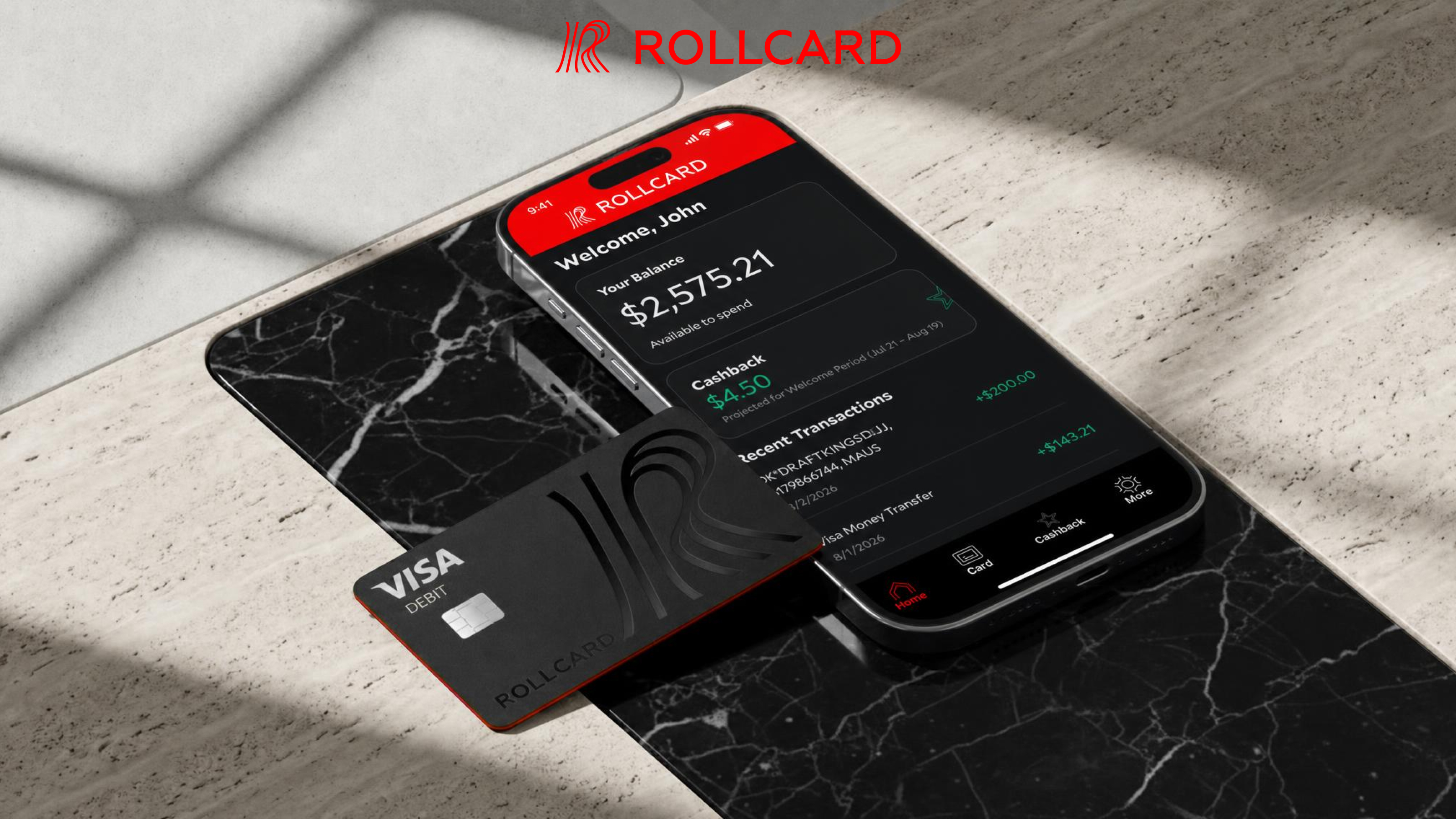
You're In. Here's What to Do Next. Your Rollcard account has been approved. Download the Rollcard app from the App Store (iOS) or Google Play (Android) to access your account right from your phone.
Your Virtual Card, Immediately Available
When your Rollcard account is approved, your virtual card is accessible in the app right away. It carries the same card number and PIN as the physical card. You can fund your prediction market, casino, or sportsbook account before the physical card arrives in the mail.
Full Account Visibility
The app gives you a live view of your Rollcard balance and every transaction as it posts. You always know exactly what your bankroll looks like. That kind of visibility matters when you are moving money at scale. It removes guesswork and lets you plan each session around actual numbers.
Transfers on Your Schedule
Initiating an ACH transfer from a linked external account takes seconds in the app. Deposits process on standard ACH timelines on business days, Monday through Friday, excluding federal holidays. A transfer started on a weekend or holiday begins processing the next business day. When it is time to cash out, withdrawals move to your linked bank on the same ACH rails. See your Deposit Account Agreement for full program terms.
Support When You Need It
The app connects you to Rollcard support, available by phone and live chat from 9:00 AM – 12:00 AM ET, Monday through Friday. If a transaction looks off, you can start the conversation right from your phone. Everything you need is already in your hand.
Rollcard deposits held at Cross River Bank, Member FDIC, insured up to $250,000. Rollcard LLC is not an FDIC-insured bank. Deposit insurance covers the failure of an insured bank. Rollcard Visa® Debit Card is issued by Cross River Bank, Member FDIC, pursuant to a license from Visa U.S.A. Inc. The Rollcard card program is managed by Rollcard LLC, a subsidiary of Grandstand Limited.